Sound & connections
Check whether a VIDAA TV has AirPlay, turn it on, then mirror your iPhone or iPad screen or send a video or music to the TV, and work through Hisense's checks when the TV isn't listed or AirPlay fails.
Sound & connections
Switch your Samsung TV to an HDMI device from the Source or Connected Devices list, rename an input such as HDMI 1 to your console's name, and add it to the Home screen. Steps for each menu layout.
AC cleaning & drainage
How to take out, vacuum or wash and dry the air filter on TCL TPW, TPC-HA and TPC-KA portable air conditioners, clean the cabinet safely, and what to do before storing the unit and before using it again.
Sound & connections
Connect a soundbar or amplifier to a VIDAA TV's HDMI ARC/eARC or optical socket, choose the matching Audio Output setting, control its volume with the TV remote, and fix no sound, delay and volume problems.
AC Wi-Fi & app
Pair a Wi-Fi-equipped TCL window, through-the-wall or portable air conditioner with the app TCL's manual names, using CF mode first and AP (hotspot) mode if CF fails.
Sound & connections
Pair Bluetooth headphones or a speaker with a VIDAA TV, send the sound to them with Audio Output → Bluetooth Speaker or keep the TV speakers playing too, and what to check when they won't connect or keep dropping out.
Sound & connections
Send a 2023–2025 LG webOS TV's sound to Bluetooth headphones or a speaker through Sound Out, keep the TV speakers on at the same time, and what to check when the sound drops or lags.
Sound & connections
Turn on CEC Control on a VIDAA TV so its remote can run a connected HDMI device, choose whether the TV and device switch on and off together, and what to check when the device doesn't respond.
AC Wi-Fi & app
Once a Wi-Fi TCL air conditioner is in the app, change its mode, fan speed and temperature, turn on Sleep or Eco, set on and off timers for chosen weekdays, and share it with family, as TCL's Smart Life and TCL Home Comfort guides describe.
AC cleaning & drainage
Empty the water from a TCL TPW, TPC-HA or TPC-KA portable air conditioner when it stops and shows Ft (or P1 on KA units), and set up a drain hose for long runs in Dry mode.
Troubleshooting
Reset a TCL Google TV to its factory settings from System → About → Reset, what the password or PIN prompt means, and what to do when the Welcome screen appears.
AC cleaning & drainage
FC on a Hisense R32 wall-mounted split is the filter-cleaning reminder. How to switch off, open the front panel, wash and refit the filter, press the filter reset button on units that have one, and clean the front panel safely, from Hisense Chile's Spanish manual.
AC remote & modes
What each button on the remote for the Hisense AP12HW4RNPS00-SM portable air conditioner (Hisense Chile) does, how to set the clock and timers, why only Sleep 1 applies, and which buttons Hisense marks as optional or not for portables.
AC cleaning & drainage
What E5 means on the Hisense portable air conditioner that Hisense Chile lists as the AP12HW4RNPS00-SM, how to drain it through the primary drain port, when heat-pump units need the drain hose, and how to clean the filter and store the unit.
AC error codes & fixes
What the lights on a Hisense R32 wall-mounted split mean, why it can wait 3 minutes or stop its fan while heating, how to start it with the emergency button when the remote is missing, and the checks Hisense Chile's Spanish manual lists before calling for service.
Getting started
Sign in to an LG account, then install an app from Apps on a 2023–2025 LG webOS TV. Also how to update or delete apps, what to do when storage runs out, and how to lock apps.
Remotes & control
Bring back a missing Magic Remote pointer on a 2023–2025 LG webOS TV: shake the remote, turn off Audio Guidance, re-register with Home + Settings, and adjust Pointer Options.
Troubleshooting
Work out why a 2023–2025 LG webOS TV ignores its remote: check the standby light and the TV's own button, the batteries, a soundbar blocking the receiver and set-top box remotes.
Remotes & control
Where to find TV On With Mobile on a 2023–2025 LG webOS TV, its Wi-Fi and Bluetooth options, and LG's conditions for turning the TV on from a phone app. LG doesn't name which apps support it.
Troubleshooting
Find out why a 2023–2025 LG webOS TV shows a picture but plays no sound: run LG's Sound Self-diagnosis, check the set-top box volume, switch Sound Out back to the TV speakers and fix the audio language.
Remotes & control
Hold a number button from 1 to 8 on an LG remote to save the app, channel or input you're watching as a shortcut, use 9 for Quick Help, and hold 0 to see, add or remove shortcuts.
Sound & connections
Turn on SIMPLINK (HDMI-CEC) on a 2023–2025 LG webOS TV so the TV remote can run HDMI devices, and what Instant Play and Main Power On/Off do.
Troubleshooting
Find which timer or auto-off setting is switching off a 2023–2025 LG webOS TV: Sleep Timer, Power Off Timer, the two Auto Power Off settings, no signal and set-top box power sync.
Troubleshooting
Get a 2023–2025 LG webOS TV back online: reconnect through Wi-Fi Connection, turn off Quick Start+, test with a phone hotspot, and read the TV, Gateway and DNS markers on LG's network status screen.
Sound & connections
Show your phone's screen on a 2023–2025 LG webOS TV: Screen Share for Android phones, AirPlay for iPhones, the Accept/Decline/Block prompt, and what to check when the TV isn't listed.
Sound & connections
Show your Galaxy phone's screen on a Samsung smart TV with Smart View: what the TV needs, Samsung's phone-side steps, how to stop, and what to check when the TV doesn't appear. Other Android phones are covered only as far as Samsung documents them.
Sound & connections
Use Screen Sharing to mirror an Android phone or Windows PC to a VIDAA TV, or Content Sharing to play its videos, music and photos, following Hisense's 2025 U9 e-manual, plus what to check when the TV doesn't appear.
Remotes & control
Pair a Bluetooth remote with a VIDAA TV from Hisense's 2025 U9 e-manual, re-pair it with the Menu button, and work through battery, range and interference checks when it stops responding.
Remotes & control
Pair a Magic Remote with Wheel (OK), re-register it with Home + Settings when its pointer won't appear, and unpair it with Back + Home on a 2023–2025 LG webOS TV.
Getting started
Record aerial TV programmes to a USB hard drive on a UK or European Samsung TV, schedule recordings, and pause or rewind live TV with Timeshift. Drive requirements, limits and the steps for each menu layout.
Remotes & control
Turn on Anynet+ so your Samsung remote controls a cable box, Blu-ray player or soundbar, stop devices turning on and off with the TV, and what to check when Anynet+ can't see a device.
Remotes & control
Where Samsung's Device Connection Manager is for your TV's menu, what Access Notification and Device List do, how to rename the TV for phone apps, and what Samsung doesn't document about a device you denied.
Troubleshooting
Check where your Samsung TV is sending its sound, then work through Samsung's checks for the volume, headphone jack, Sound Test and the connected device. Paths for each menu layout.
Troubleshooting
Find the energy-saving and auto-brightness settings that make a Samsung TV darken or flicker on its own, turn them off one at a time, and know when the dimming is normal. Paths for each menu layout.
Troubleshooting
What to check when a console, streaming stick, set-top box or PC shows nothing on a Samsung TV, shows "Mode Not Supported", or loses HDR: the input, the cable, HDMI Troubleshooting and Input Signal Plus. Paths for each menu layout.
Troubleshooting
Where to find Self Diagnosis on a Samsung TV for each menu layout, which built-in tests your TV has (Picture or Video Test, Sound Test, HDMI checks, Signal Information or Broadcast Signal, Remote Control), what each result tells you and where to go next.
Troubleshooting
Find the timer and power-saving setting that switches a Samsung TV off on its own, stop The Frame going to Art mode instead of turning off, and fix settings that reset every few minutes. Paths for each menu layout.
Sound & connections
Connect a soundbar to a 2023–2025 LG webOS TV through the HDMI (eARC/ARC) port or the optical output, choose the matching Sound Out setting, turn on eARC, and pick a Digital Sound Output format.
AC remote & modes
Make a TCL electronic window or through-the-wall air conditioner turn off after a delay, or turn on later at a temperature you choose, using the Timer and ▲/▼ buttons. Includes the time steps and how to cancel.
Remotes & control
Let a 2023–2025 LG webOS TV set up Universal Control automatically over HDMI, or set it up by hand, so the Magic Remote runs your cable or satellite box. The manual step differs in the 2023 guide.
Getting started
Turn off Start with Smart Hub Home (Autorun Smart Hub on older TVs), Autorun Samsung TV Plus and Autorun Last App, so your Samsung TV stops opening them at switch-on. Paths for each menu layout.
AC Wi-Fi & app
Work out why the TCL app (Smart Life, TCL Home Comfort, TCL Home+ or TCL Home) won't add or reach your Wi-Fi TCL AC: setup that can't find the unit, Identification Failed, and an AC shown as offline, with TCL's documented checks for each.
AC Wi-Fi & app
CF, AP, PP and SA on a Wi-Fi TCL air conditioner are Wi-Fi setup states, not faults. What each means, how the Display button switches between CF and AP, and what to do next.
Getting started
Turn a TCL Google TV on, put it in standby, change channel or volume and open the input list with the power button on the TV, what that button can't reach, and what to check before giving up on the remote.
AC error codes & fixes
What the Lt, PF, Ft, AS, ES and P1 messages mean on TCL TPW, TPC-HA and TPC-KA portable air conditioners, which ones you can clear yourself, and which need TCL service.
AC error codes & fixes
What to check, in order, when a TCL TPW, TPC-HA or TPC-KA portable air conditioner is running but the room stays warm: the mode and set temperature, the exhaust hose, the room, the filter, ice, and when to contact TCL.
AC remote & modes
How to turn off the Filter light on a TCL TPC-…/KA portable air conditioner, set the timer from the panel or the remote, and what Eco mode and Sleep do on this series.
AC cleaning & drainage
Why the Filter Check light comes on, how to take out, wash or vacuum and dry the filter on TCL electronic window and through-the-wall air conditioners, and how to turn the light off with the Filter button on the unit.
AC remote & modes
What Cool, Eco, Auto, Dry, Fan and Heat each do on a TCL electronic window or through-the-wall air conditioner, why the fan stops in Eco or keeps running in Cool, and which mode suits a hot, humid or mild day.
AC error codes & fixes
What E1 and E2 mean on a TCL window or through-the-wall air conditioner, and the safe checks TCL lists when the unit won't start, doesn't cool, ices up, drips water indoors or ignores the remote, with the point to stop and call service.
AC remote & modes
What Power, Cool, Sleep, Timer, Auto Mode, Fan Speed, Display, Eco and Fan Only do on the remote for TCL electronic window and through-the-wall air conditioners, and which controls are only on the unit.
Getting started
Switch Samsung's Game Mode on, off or back to Auto from quick settings or the full menu, know what changes when it's on, and what to do when it's greyed out or keeps switching on. Paths for each menu layout.
Remotes & control
Turn on a VIDAA TV's Wake on Cast, Wake on Wireless Network or Wake on LAN setting so casting from a phone, or an Alexa or Google Home device, can switch it on from standby, and what to check when it doesn't.
Sound & connections
Turn on HDMI control (CEC) on a TCL Google TV, choose whether the TV and HDMI devices switch on and off together, and check the two things TCL requires before eARC/ARC can work with a soundbar.
Getting started
Check a VIDAA TV's software version and update it over the internet with Check Update or Auto Update, using Hisense's 2025 U9 e-manual. Also covers the drive Update from USB needs and what to do if an update won't finish.
Getting started
Check for and install a software update on a 2023–2025 LG webOS TV, turn Auto Update on or off, and what to expect while an update downloads and installs.
Remotes & control
Connect a USB or Bluetooth keyboard, mouse or gamepad to a Samsung TV, see what each keyboard shortcut does (on newer TV software F1 is power, not the red button), and where the mouse works. Paths for each menu layout.
AC remote & modes
What each button on the TCL TPW06, TPW08 and TPC-HA portable air conditioner remote does, how to set the start and stop timer, how Sleep changes the temperature overnight, and which features your model lacks.
Sound & connections
Connect a USB stick or hard drive to a 2023–2025 LG webOS TV: the file systems it reads, when a powered hub or a drive with its own power helps, how to open files, eject the drive and use Format.
Remotes & control
Connect a 2023–2025 LG webOS TV to the LG ThinQ app, use its on-screen remote, apps and inputs, and know what to try when the connection fails.
Troubleshooting
Find out why a VIDAA TV switches itself off: check the power cord, the Sleep Timer, Power Off Timer, Auto Sleep and Auto Standby with No Signal timers, and the HDMI CEC link, using Hisense's 2025 U9 e-manual.
Troubleshooting
Run the VIDAA TV's Network Connection Test, reconnect to Wi-Fi from Network Configuration, and work through Hisense's router, distance and interference checks from the 2025 U9 e-manual, with a wired-connection branch.
Remotes & control
Turn on Network standby on a TCL Google TV so a phone app on the same Wi-Fi, such as YouTube, can switch the TV on from standby, and why it stops working after a full shutdown.
AC remote & modes
Why the set temperature on a TCL electronic window or through-the-wall air conditioner climbs during the night in Sleep mode, how far and how fast it can go, what happens in Heat mode, and what to use instead if you only want a dark display.
Troubleshooting
Use Reset to Initial Settings on a 2023–2025 LG webOS TV, choose whether to keep network settings, and reset a forgotten Safety password first.
Troubleshooting
Find the factory reset option for your Samsung TV's year, get past the PIN prompt, and decide whether Reset Smart Hub or Reset Picture is enough.
Troubleshooting
Where Reset to Factory Default is in a VIDAA U6 or U9 Settings menu, what the PIN prompt means, and the restart and smaller reset options to try first.
Getting started
Install an app from a VIDAA TV's App Store, through My Apps on older layouts or from the Home screen on the 2025 U9 layout, with what to check if the app or store is missing.
Getting started
Why a 2023–2025 LG webOS TV shows a wallpaper when you switch it off, how to turn Always Ready off or use it without the wallpaper, and what you lose.
Sound & connections
Turn on Apple AirPlay on a supported Samsung TV, then mirror your screen or send a video from your iPhone or iPad, and what to check if the TV isn't listed.
Getting started
Move an app on a VIDAA TV with Sort in the older My Apps screen, or by holding OK on the 2025 U9 Home screen, then save its position and avoid removing it by mistake.
Sound & connections
Choose a connected HDMI device on a VIDAA TV through Home → Inputs or, on the 2025 U9 layout, the Input button, then check the cable, the device's output and the TV's self-diagnosis tests if there's no picture.
Getting started
Find Samsung's motion setting, Picture Clarity, toggle it from Quick Settings or adjust it under Expert Settings, and see how Game Mode changes it.
Getting started
Find TruMotion in a 2023–2025 LG webOS TV's Clarity settings, turn it off or choose a milder mode, and adjust De-Judder and De-Blur yourself.
Remotes & control
Scan the QR code in your VIDAA TV's Mobile App menu to get the official app, then check the network, privacy agreement and Content Sharing if the app can't find the TV.
Sound & connections
Check that your phone, cable and TV port all support MHL, connect to the MHL-labelled HDMI input on a 2014 LG LB-series TV, and see what the Magic Remote can control.
Sound & connections
Choose the ARC-labelled HDMI port or an optical cable on a 2014 LG LB-series TV, avoid the headphone restriction, and find the setup steps in the TV's User Guide.
Getting started
Where the Apps screen is on each year's Samsung TV, how to install and open an app, add it to your Home Screen, and what to check first.
Remotes & control
Shake the Magic Remote to bring the pointer back, reset a sluggish pointer, and check range, interference, batteries and pairing on a 2014 LG LB-series TV.
Troubleshooting
Connect the drive directly instead of through a hub, add external power if it needs it, and find it in SmartShare on a 2014 LG LB-series TV.
Troubleshooting
Select the right input, try LG's off/on, reconnect and restart sequence, fix a noisy PC picture, and add the audio cable a DVI connection needs on 2014 LG LB-series TVs.
Troubleshooting
Check the 15-minute no-signal shutdown and the Automatic Standby, Sleep Timer and Timer Power Off settings on a 2014 LG LB-series TV before contacting support.
Remotes & control
Pair the Magic Remote with Wheel (OK), unpair it with Back + Smarthome, and check range and interference on a 2014 LG LB-series TV.
Getting started
Set Samsung's Sleep Timer from Quick Settings or the full menu for your TV's year, and when to use Off Timer or Auto Power Off instead.
Getting started
Find Caption Settings (US) or Subtitle Settings (UK/EU) for TV broadcasts by model year, use the quick toggle, and fix captions that are greyed out on HDMI.
Getting started
Stop or start the voice that reads out menus on a Samsung TV: the Volume-button shortcut, the Settings path by model year, and how it differs from Audio Description.
Getting started
Turn a 2014 LG LB-series TV on or off, change volume and programmes, and switch inputs with the joystick button under the screen.
Sound & connections
Find the 3.5 mm Ext.Speaker / H/P OUT socket on a 2014 LG LB-series TV and why plugged-in headphones disable the AUDIO menu and optical output.

Sound & connections
Pair Bluetooth headphones from Bluetooth Speaker List on a 2020–2026 Samsung TV, hear the TV speaker at the same time, and fix dropouts or lip-sync delay.
Getting started
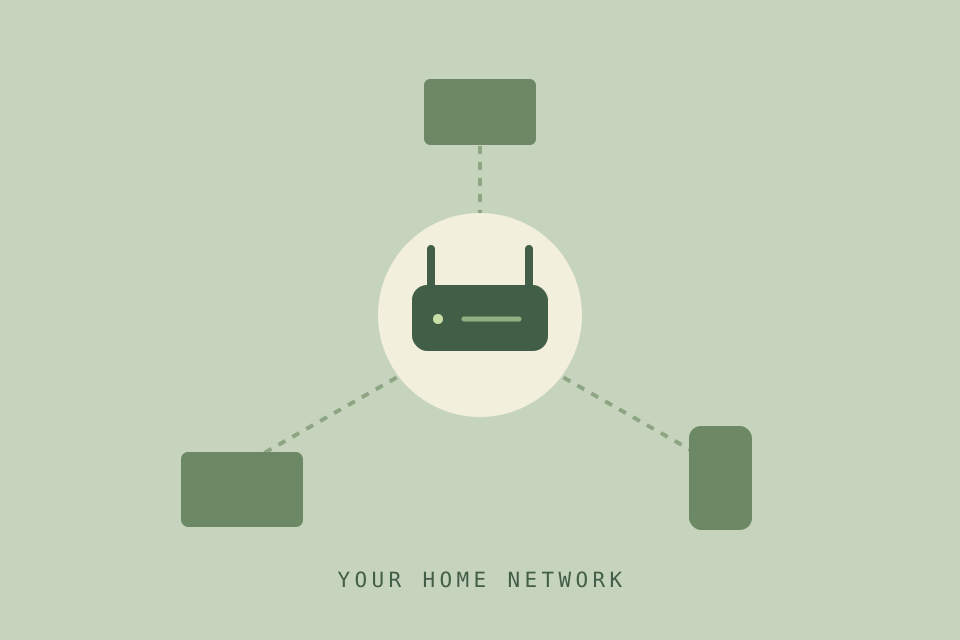
Open Network Status and IP Settings on a 2018–2026 Samsung TV to read its IP address, and what to check when it's on your network but not online.
Getting started
Update a Samsung TV with Software Update → Update Now over the internet or from a USB drive, turn Auto Update on or off, and what changes after the restart.
Remotes & control
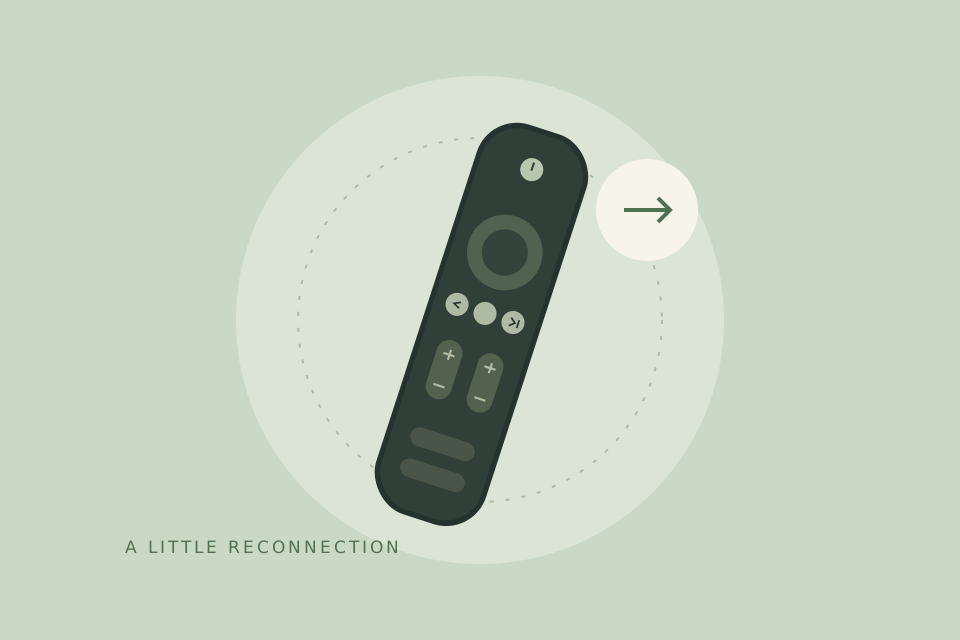
Re-pair a Samsung Smart Remote with Return and Play/Pause, reset its connection on 2025–2026 TVs, check its battery level, and run the TV's remote check.
Sound & connections
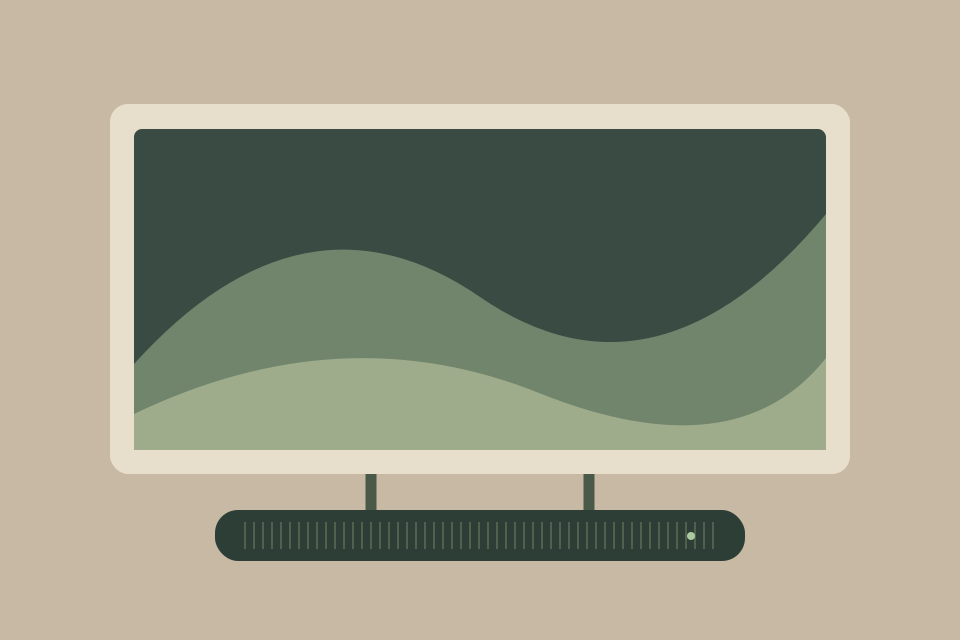
Fix no sound from a soundbar on HDMI ARC/eARC: set Digital Output Audio Format to Auto (2020–2026) or check it isn't on Dolby Digital+ (2017–2019), and set up Anynet+.
Troubleshooting
Run Samsung's connection test, check the Wi-Fi switch and password, restart the router and TV, and tell a Wi-Fi fault from an internet outage, with menu paths for 2020–2026 TVs.
Getting started
Where Power On with Mobile is on each year's Samsung TV (2018–2026), how it works with SmartThings and AirPlay, and why IP Remote is a separate setting.
Remotes & control
Add a Samsung TV to the SmartThings app and use its remote, open the QR-code mobile remote on 2025–2026 TVs, and fix a phone remote that stops working.