Getting started
Sign in to an LG account, then install an app from Apps on a 2023–2025 LG webOS TV. Also how to update or delete apps, what to do when storage runs out, and how to lock apps.
Getting started
Record aerial TV programmes to a USB hard drive on a UK or European Samsung TV, schedule recordings, and pause or rewind live TV with Timeshift. Drive requirements, limits and the steps for each menu layout.
Getting started
Turn off Start with Smart Hub Home (Autorun Smart Hub on older TVs), Autorun Samsung TV Plus and Autorun Last App, so your Samsung TV stops opening them at switch-on. Paths for each menu layout.
Getting started
Turn a TCL Google TV on, put it in standby, change channel or volume and open the input list with the power button on the TV, what that button can't reach, and what to check before giving up on the remote.
Getting started
Switch Samsung's Game Mode on, off or back to Auto from quick settings or the full menu, know what changes when it's on, and what to do when it's greyed out or keeps switching on. Paths for each menu layout.
Getting started
Check a VIDAA TV's software version and update it over the internet with Check Update or Auto Update, using Hisense's 2025 U9 e-manual. Also covers the drive Update from USB needs and what to do if an update won't finish.
Getting started
Check for and install a software update on a 2023–2025 LG webOS TV, turn Auto Update on or off, and what to expect while an update downloads and installs.
Getting started
Install an app from a VIDAA TV's App Store, through My Apps on older layouts or from the Home screen on the 2025 U9 layout, with what to check if the app or store is missing.
Getting started
Why a 2023–2025 LG webOS TV shows a wallpaper when you switch it off, how to turn Always Ready off or use it without the wallpaper, and what you lose.
Getting started
Move an app on a VIDAA TV with Sort in the older My Apps screen, or by holding OK on the 2025 U9 Home screen, then save its position and avoid removing it by mistake.
Getting started
Find Samsung's motion setting, Picture Clarity, toggle it from Quick Settings or adjust it under Expert Settings, and see how Game Mode changes it.
Getting started
Find TruMotion in a 2023–2025 LG webOS TV's Clarity settings, turn it off or choose a milder mode, and adjust De-Judder and De-Blur yourself.
Getting started
Where the Apps screen is on each year's Samsung TV, how to install and open an app, add it to your Home Screen, and what to check first.
Getting started
Set Samsung's Sleep Timer from Quick Settings or the full menu for your TV's year, and when to use Off Timer or Auto Power Off instead.
Getting started
Find Caption Settings (US) or Subtitle Settings (UK/EU) for TV broadcasts by model year, use the quick toggle, and fix captions that are greyed out on HDMI.
Getting started
Stop or start the voice that reads out menus on a Samsung TV: the Volume-button shortcut, the Settings path by model year, and how it differs from Audio Description.
Getting started
Turn a 2014 LG LB-series TV on or off, change volume and programmes, and switch inputs with the joystick button under the screen.
Getting started
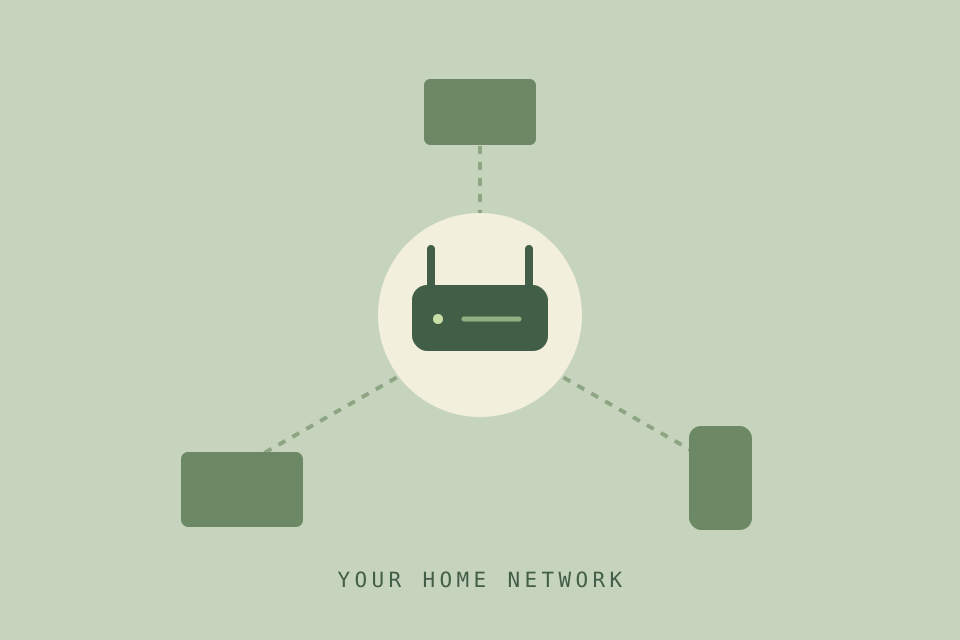
Open Network Status and IP Settings on a 2018–2026 Samsung TV to read its IP address, and what to check when it's on your network but not online.
Getting started
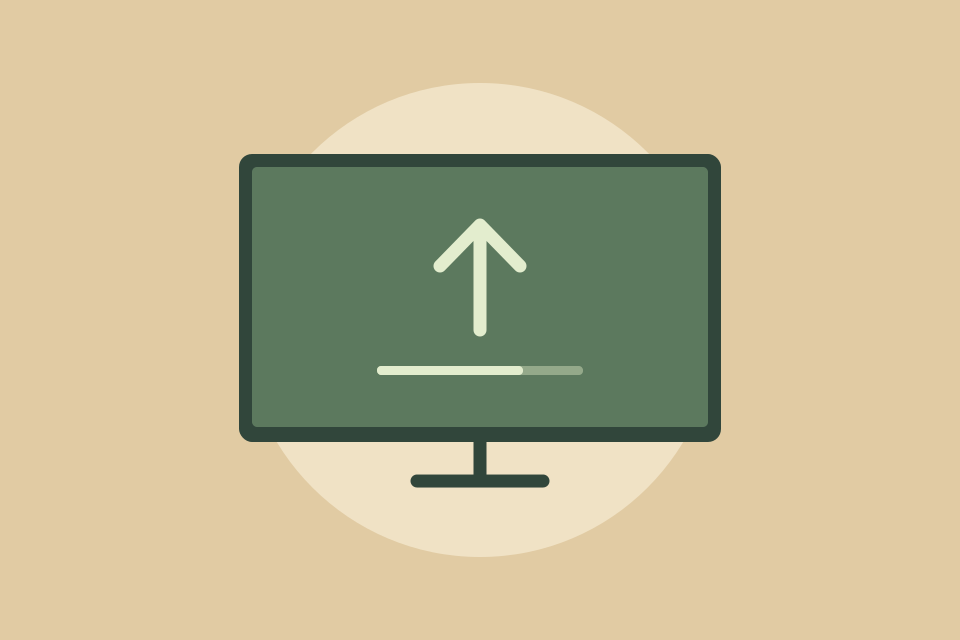
Update a Samsung TV with Software Update → Update Now over the internet or from a USB drive, turn Auto Update on or off, and what changes after the restart.

Getting started
Where Power On with Mobile is on each year's Samsung TV (2018–2026), how it works with SmartThings and AirPlay, and why IP Remote is a separate setting.